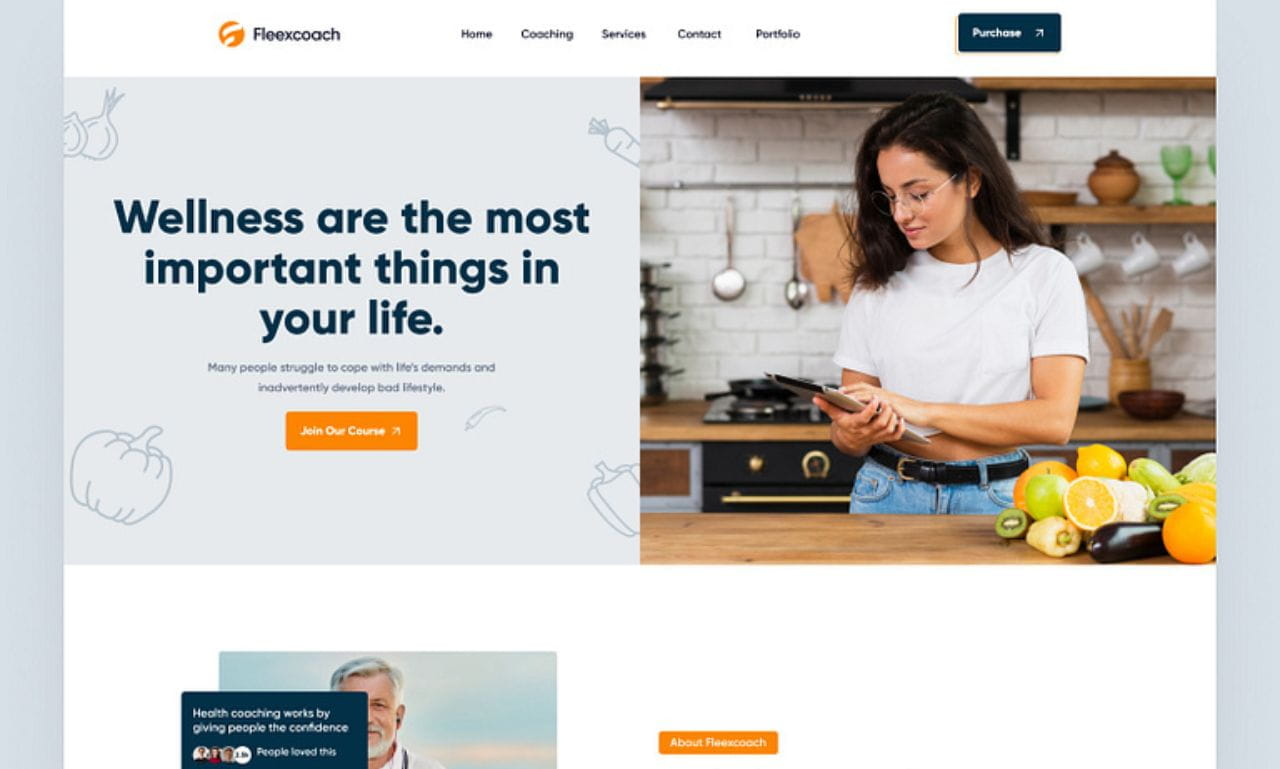

When building a website, one of the most common questions beginners and professionals ask is: Should I use Wix or WordPress? Both platforms are powerful tools for website design, but they serve different user groups and project types. Choosing the right one depends on your goals, technical skills, and the level of control you want over your site.
In this blog post, we’ll compare Wix and WordPress based on ease of use, customization, cost, SEO, and scalability to help you decide which platform is best for your website.
What Is Wix?
Wix is a drag-and-drop website builder designed to help users create websites without coding. It includes hosting, templates, and design tools in one platform, making it easy for beginners to launch a website quickly.
Key Features of Wix
- Visual drag-and-drop editor
- 800+ ready-made design templates
- Built-in hosting and security
- Integrated marketing and SEO tools
- App marketplace for additional features
Wix is particularly popular with small businesses, freelancers, and beginners who want a simple and fast website-building experience.
What Is WordPress?
WordPress is a content management system (CMS) that allows users to create and manage websites with complete flexibility. Unlike Wix, the self-hosted version (WordPress.org) requires separate hosting and domain setup.
Key Features of WordPress
- Open-source and highly customizable
- Thousands of themes and plugins
- Full control over website code
- Advanced blogging capabilities
- Suitable for websites of any size
WordPress powers a large portion of the internet because it provides unlimited customization and scalability.
Wix vs. WordPress: Key Differences
1. Ease of Use
Wix:
Wix is known for its beginner-friendly interface. Its drag-and-drop editor allows users to design pages visually without technical knowledge. Users can build a complete website within a few hours.
WordPress:
WordPress has a learning curve, especially when setting up hosting, themes, and plugins. While modern page builders make it easier, it still requires more technical understanding.
✅ Winner: Wix (for beginners)
2. Design and Customization
Wix:
Wix offers hundreds of templates and customization options through its editor. However, users are limited to the tools provided by Wix, and switching templates later can be difficult.
WordPress:
WordPress provides far more flexibility. Developers can edit the code, install thousands of themes, and build completely custom designs.
✅ Winner: WordPress (for design flexibility)
3. Plugins and Integrations
Wix:
Wix includes an app marketplace with tools for bookings, marketing, and analytics, but the selection is relatively limited.
WordPress:
WordPress has over 59,000 plugins, allowing users to add almost any feature, including e-commerce, memberships, SEO tools, and automation.
✅ Winner: WordPress
4. Pricing
Wix Pricing
- Free plan available (with Wix branding)
- Paid plans start around $17/month and include hosting.
WordPress Pricing
- Software is free
- Hosting typically costs $3–$10 per month
- Additional costs may include themes or plugins.
Wix provides predictable pricing, while WordPress can be cheaper but may involve extra costs depending on your setup.
✅ Winner: Depends on budget and requirements
5. SEO Capabilities
Wix:
Wix provides built-in SEO tools such as Wix SEO Wiz, automatic sitemaps, and meta tag editing.
WordPress:
WordPress offers deeper SEO control through plugins like Yoast SEO or RankMath and customizable URLs and site structures.
✅ Winner: WordPress
6. Scalability and Growth
Wix:
Best suited for small-to-medium websites such as portfolios, small business sites, or simple online stores.
WordPress:
WordPress can power large blogs, enterprise websites, news portals, and advanced e-commerce stores, making it more scalable for long-term growth.
✅ Winner: WordPress
Pros and Cons
Wix Pros
- Easy to use
- All-in-one platform
- No technical setup required
- Built-in hosting and security
Wix Cons
- Limited customization
- Difficult to migrate to another platform
- Fewer plugins and integrations
WordPress Pros
- Full control and flexibility
- Massive plugin ecosystem
- Better SEO capabilities
- Highly scalable
WordPress Cons
- Steeper learning curve
- Requires hosting and maintenance
- Security and updates must be managed
Which Platform Should You Choose?
Choose Wix if:
- You are a beginner with no coding knowledge
- You want a quick website setup
- You prefer an all-in-one platform
Choose WordPress if:
- You want full control over your website
- You plan to scale or customize your site heavily
- You need advanced SEO and functionality
Final Verdict
Both Wix and WordPress are excellent website design platforms, but they cater to different users.
- Wix is best for beginners who want a simple, fast, and hassle-free website builder.
- WordPress is better for developers, businesses, and bloggers who need flexibility, scalability, and complete control over their website.
In the end, the best platform depends on your technical skills and long-term website goals.
✅ Pro Tip:
If you’re just starting out, Wix can help you launch quickly. But if you plan to grow your website significantly in the future, WordPress may be the better long-term investment.


[…] Web Design […]